Stem separation workflow
Need an acapella, a clean instrumental, or editable stems from a finished song? You can now separate vocals from a song inside your DAW—but the cleanest result depends on choosing the right source, the right separation mode, and the right repair workflow after the split.
To separate vocals from a song, import the highest-quality stereo file you have, run an AI stem-separation tool, audition the vocal and instrumental in solo, then repair only the sections where instruments leak or vocal ambience disappears. Use Acon Digital Remix when you want fast, real-time control inside a mix. Use SpectraLayers Pro 13 when extraction quality and detailed spectral repair matter more than speed.
Editorial note: ProducerSources sells some tools mentioned in this guide. Recommendations are organized by workflow and verified features, not by price or commission. No stem separator can reconstruct information that was permanently masked in the original master.
Real-time five-stem control directly in a compatible DAW.
Unmix, inspect and edit sound in the spectral domain.
Avoid making an already compressed MP3 your starting point.
Fix audible artifacts in the mix, not every visual imperfection.
What happens when you separate vocals from a song?
Modern stem separation uses machine-learning models to estimate which parts of a stereo mix belong to vocals, drums, bass, piano and other instruments. It does not retrieve the original multitrack session. Instead, it makes a highly informed separation from the information left in the finished master.
That distinction explains why some songs split beautifully and others produce watery cymbals, dull ambience or fragments of instruments inside the vocal stem. A dry, centered lead vocal with a simple arrangement is usually easier to isolate than a vocal covered in stereo reverb, doubled harmonies and distorted guitars. Heavy limiting and low-bitrate compression also give the algorithm less clean information to work with.
How to separate vocals from a song inside your DAW
Preparation
Import and align the original master
Create a new session at the source file’s sample rate, place the song at the start of a bar, and turn off any automatic warping or tempo-follow feature. Keep one untouched copy muted for instant A/B comparison. If you only need a chorus or phrase, trim the working copy first; a shorter file makes repeated testing faster.
Separation
Choose real-time control or offline extraction
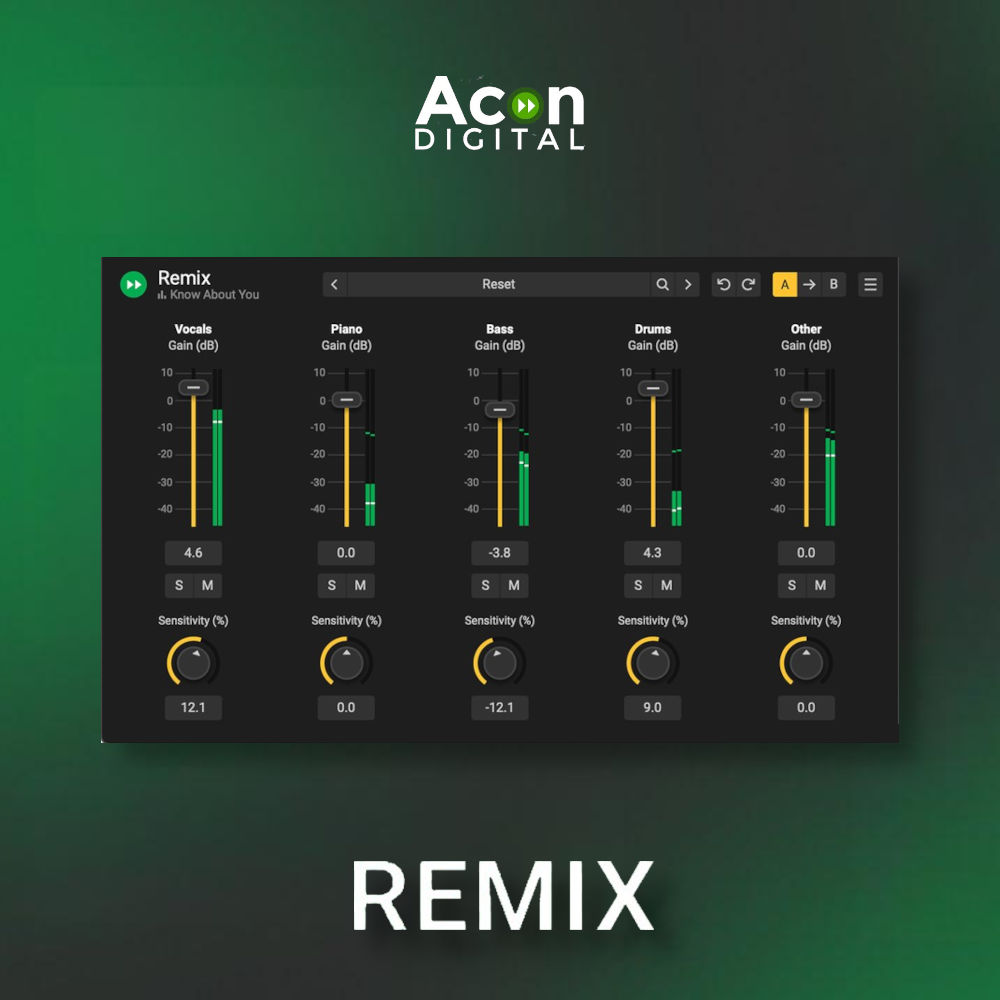
For live rearranging, insert Acon Digital Remix on the stereo track and balance its five groups: Vocals, Piano, Bass, Drums and Other. In hosts that support multiple outputs, route the groups to separate DAW channels. For forensic editing, open the file in SpectraLayers Pro 13, run the appropriate unmix process, and work with each separated layer.
Do one neutral pass before changing sensitivity or processing settings. That first pass becomes your baseline, and it prevents endless tweaking without a reliable comparison.
Quality control
Listen to both sides of the split
Solo the vocal to find instrumental leakage, then solo the instrumental to find missing consonants, breaths or vocal reverb. Finally, listen in context at matched loudness. An isolated stem may sound imperfect yet work completely inside a remix; aggressive cleanup can make the stem thinner and less natural than the artifact you were trying to remove.
Repair
Fix only the audible problem areas
Use short clip fades where artifacts appear at phrase boundaries. Automate the stem level down between vocal lines rather than applying a heavy gate. A narrow dynamic EQ can tame one persistent hi-hat or guitar band, while spectral selection is better for an isolated noise that changes over time. Preserve breaths and room cues when they help the performance feel human.
Export
Render stems from the same start point
Bounce every stem from bar one using the same file format, sample rate and bit depth. Leave normalization off. Identical start times make the files easy to reassemble in any DAW, and retaining headroom avoids an unnecessary second round of limiting.
Which vocal-separation tool fits your job?
Acon Digital Remix: fast separation while the song plays
Acon Digital Remix is the practical choice when separation is part of the arrangement. Its real-time controls let you pull a vocal, reduce drums under a breakdown, create a quick instrumental, or rebalance stems without leaving the DAW. Adjustable detection sensitivity and automation make it especially useful for DJ edits, mashups and production experiments.
Because the process is immediate, Remix is also a good first diagnostic tool: you can discover whether a source separates well before committing to a detailed edit.
View Acon Remix
SpectraLayers Pro 13: detailed unmixing and repair
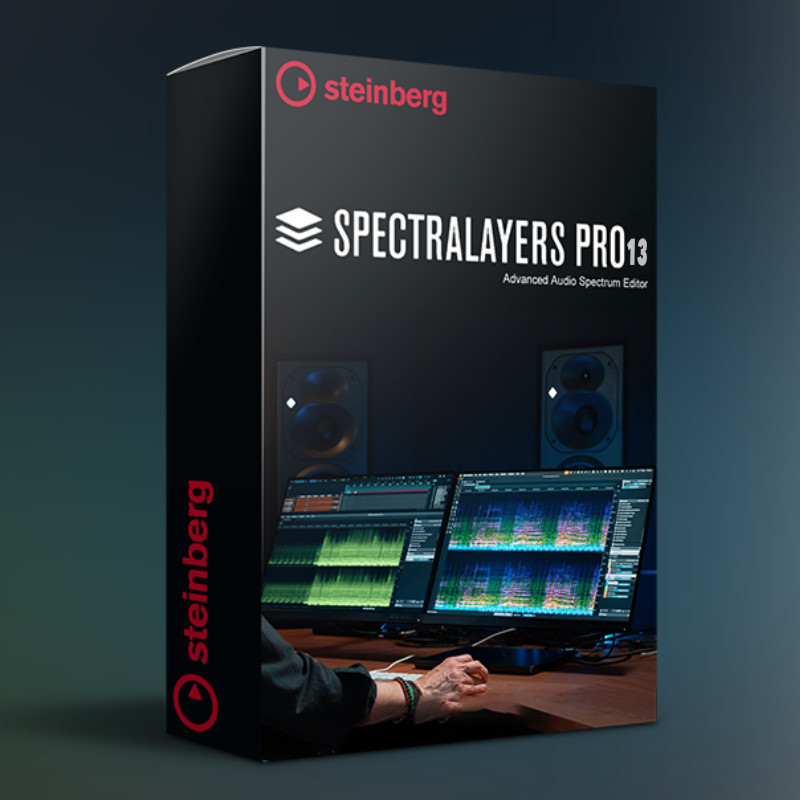
SpectraLayers Pro 13 is better suited to restoration, dialogue cleanup and high-stakes extraction. It represents audio as editable spectral layers, so you can unmix a recording and then correct individual problem areas instead of accepting one global result. Version 13 adds tools including Unmix Sound Effects, Unmix Two Voices, Voice DeCrosstalk and refined component and noise separation.
The trade-off is a more deliberate workflow. Choose it when you need to see where leakage lives, preserve a difficult phrase, or repair a stem after the initial AI pass.
View SpectraLayers Pro 13
| Need | Start with | Why | Watch for |
|---|---|---|---|
| Quick acapella or instrumental | Acon Remix | Fast auditioning and real-time balance | Complex reverbs may remain shared |
| Live remix automation | Acon Remix | Stem levels can move with the arrangement | Print the final result before archiving |
| Restoration or dialogue work | SpectraLayers Pro 13 | Detailed visual selection and repair | More time and judgment required |
| Difficult overlapping sources | SpectraLayers Pro 13 | Multiple unmix and reconstruction tools | No tool can perfectly restore masked audio |
How to reduce stem-separation artifacts
Keep some of the original mix underneath
For remixes, a low-level copy of the original can restore cymbal tails and room tone that disappear from the separated instrumental. High-pass or band-limit that support layer so it does not fight the new bass and drums.
Process the stem less than you think
Bright exciters, hard compression and heavy saturation often exaggerate the swirling texture created by separation. Start with clip gain, gentle EQ and automation. Add strong processing only after the stem sits against the new arrangement.
Mask small defects musically
A new drum transient can cover a tiny artifact at the same moment. A short room reverb can make a clipped ambience tail feel intentional. Editing around the music is often more transparent than trying to make the acapella sound pristine in solo.
Try another input or another pass
A radio edit, instrumental version or less-limited master may separate differently. Within the same tool, compare neutral and adjusted sensitivity settings. Save each result instead of overwriting it; the best chorus pass may not be the best verse pass.
What can you do with separated vocals?
Beyond making an acapella, stem separation can create practice tracks, remove a guide vocal before a new recording, recover dialogue from a noisy reference, rebalance a live performance, or supply cleaner material for a remix. You can also extract a vocal melody as a reference before rebuilding it with a synthesized singer.
Frequently asked questions
Can you completely remove vocals from any song?
No. Current tools can produce very usable results, but dense arrangements, stereo effects, backing vocals and heavy mastering may leave artifacts or remove parts of other instruments. The result depends on the source and intended use.
Can I separate vocals without leaving my DAW?
Yes. A plug-in such as Acon Digital Remix can separate and rebalance stems in real time. Some DAWs also include their own stem-separation features. For detailed spectral editing, you may use a dedicated editor alongside the DAW.
Why does the isolated vocal sound watery?
That texture usually comes from the model estimating overlapping frequencies shared by the vocal, cymbals, reverb or instruments. A higher-quality source, a different model or selective repair can reduce it, but excessive high-frequency enhancement often makes it more obvious.
Should I use the vocal stem in mono or stereo?
Keep it stereo if the separation contains useful doubles, panning or ambience. Convert to mono only when you intentionally want a centered, dry-feeling source and have checked that phase cancellation does not damage it.
Is stem separation the same as having the original stems?
No. Original stems are exported from the multitrack session before sources are combined. AI-separated stems are estimates recovered from a finished mix, so some bleed and shared ambience are normal.
The post How to Separate Vocals From a Song Inside Your DAW appeared first on Producer Sources.