AI singing workflow
You do not need a finished vocal recording to test a topline anymore. With the right workflow, MIDI supplies the notes, lyrics supply the words, and an AI singing engine turns both into an editable performance you can arrange and mix inside your production.
To make AI vocals from MIDI and lyrics, write or import a monophonic melody, divide the lyric into singable syllables, choose a voice that suits the range, then edit timing, pitch movement, pronunciation and dynamics before rendering. ACE Studio 2 Artist Pro is the direct MIDI-and-lyrics route. Tools such as SoundID VoiceAI and Antares Metamorph do a different job: they transform an existing vocal performance rather than composing one from notes and text.
Editorial note: ProducerSources sells products mentioned here. We distinguish vocal synthesis from voice conversion because choosing the wrong category wastes more time than choosing the wrong preset. Product claims were checked against current listings.
Turns notes and lyrics into an editable sung performance.
Generates editable MIDI ideas before vocal synthesis.
Keep the phrasing and change the vocal identity.
Timing, consonants and dynamics matter more than perfection.
First choose the right kind of AI vocal workflow
“AI vocals” describes two related but different processes. Singing synthesis begins with MIDI notes and written lyrics. The software creates the performance, so you can change the melody, words and singer without recording another take. Voice conversion begins with a recorded guide vocal. It preserves much of that performance’s timing and expression while changing the apparent voice.
Use synthesis when you have a song idea but no singer, when lyrics are still changing, or when you want to audition different ranges quickly. Use conversion when the emotional phrasing already exists in a guide take and you mainly need a different vocal character. Conversion cannot rescue flat phrasing or unclear diction in the source; it tends to reveal them.
| Your starting point | Workflow | Good fit | Main responsibility |
|---|---|---|---|
| MIDI melody + typed lyrics | Singing synthesis | ACE Studio 2 Artist Pro | Program natural timing and expression |
| No melody yet | MIDI generation, then synthesis | Staccato Pro or MIDI Agent + ACE Studio | Edit the generated melody into a singable line |
| Recorded guide vocal | Voice conversion | SoundID VoiceAI or Antares Metamorph | Deliver a clean, expressive source performance |
| Finished vocal needing polish | Conventional vocal processing | Pitch, dynamics and tone tools | Do not replace a good singer without a reason |
How to make AI vocals from MIDI and lyrics
Melody
Prepare a clean monophonic MIDI line
Start with one note at a time and keep the phrase within a realistic vocal range. Remove accidental overlaps, ultra-short notes and keyboard-style chord voicings. A singer needs places to breathe, so leave deliberate gaps at the end of phrases rather than filling every beat.
If your melody came from an instrument, simplify large leaps and repeated sixteenth notes. What feels effortless on a synth may force an AI singer into rushed syllables or unnatural pitch jumps.
Lyrics
Map words to notes as syllables
Enter the lyric phrase by phrase, then check how the software divides each word. One-syllable words usually map cleanly to one note. Multi-syllable words need their vowel and consonant changes aligned with the intended notes. Sustained notes should usually hold a vowel rather than a hard consonant.
Write for the mouth, not only the page. A line can look elegant yet be difficult to articulate at tempo. Shorten crowded phrases, move a consonant slightly ahead of the beat, and give important words enough duration to land.
Voice choice
Match the singer to the key and emotional role
Choose a voice because its comfortable register and tone suit the song—not because a demo sounded impressive in another genre. Transpose the melody or choose another singer if the chorus sits permanently at an extreme. A convincing mid-range performance usually beats a dramatic voice forced beyond its natural-feeling range.
Expression
Edit timing, pitch movement and dynamics
Move every note exactly to the grid and the vocal may sound programmed; ignore timing and it may sound careless. Let pickups arrive early, shorten repeated notes, and vary note starts around the groove. Use pitch transitions and vibrato selectively. The emotional peak of a phrase can support more movement than every preceding note.
Shape loudness at phrase level before reaching for a compressor. A softer verse, rising pre-chorus and wider chorus create intent that a static render cannot.
Render
Print alternate takes before mixing
Render the lead dry and print at least one alternative with slightly different timing, expression or voice settings. Export doubles and harmonies separately. Keep files aligned from the same start point so comping and layering remain simple in the DAW.
ACE Studio 2 Artist Pro: the direct MIDI-to-vocal route
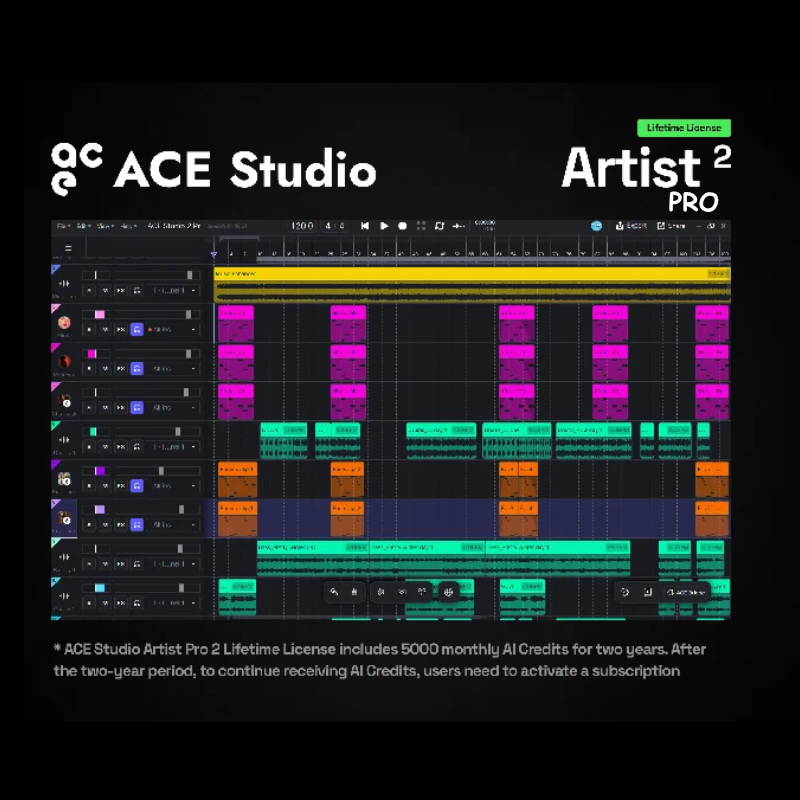
ACE Studio 2 Artist Pro is built for the workflow above. It converts MIDI and lyrics into sung performances, provides more than 140 voices across eight languages, and includes editing for expression and arrangement. ACE Bridge connects the standalone environment to VST3, AU and AAX sessions.
The broader toolkit includes voice conversion, stem splitting, vocal-to-MIDI and AI instruments. Internet access is required for generation and cloud-connected features, so render important versions and archive the resulting audio with the project.
View ACE Studio 2 Artist Pro
What if you do not have a vocal melody yet?
An AI MIDI generator can supply starting points, but the output still needs to become singable. Ask for a focused topline or accompaniment in the intended style, generate several variations, and keep only the strongest motif. Then edit the contour, breathing spaces and range before sending it to a singing model.
Staccato Pro: generate, extend and rewrite MIDI ideas
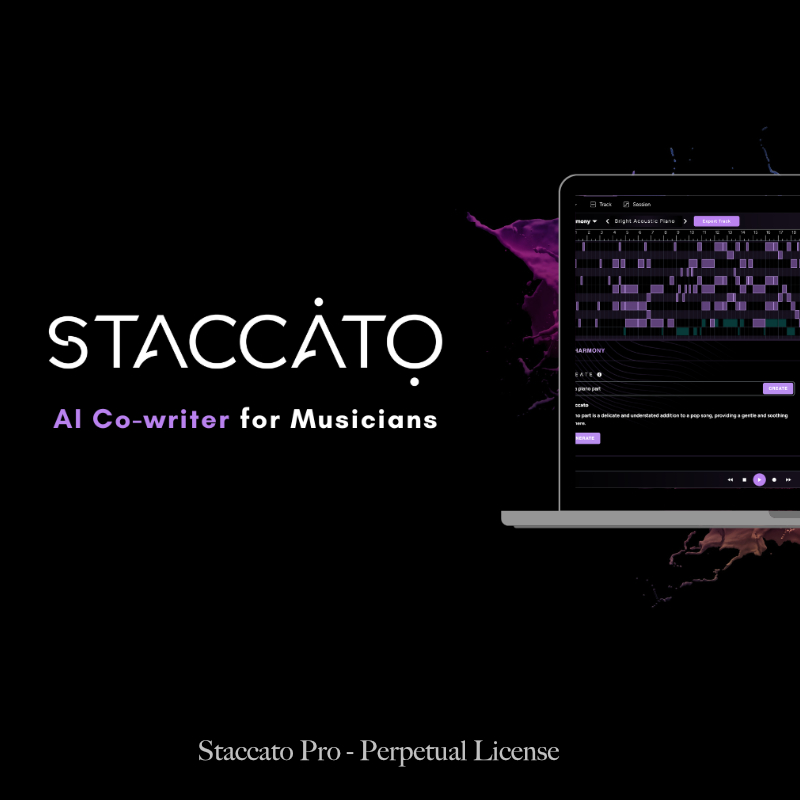
Staccato Pro can generate, extend, rewrite and accompany up to 16 MIDI tracks and 32 bars. For vocal work, treat its output as editable composition material—not a finished topline. Consolidate the strongest phrase, reduce instrumental ornamentation and test every syllable at the song’s actual tempo.
View Staccato Pro
MIDI Agent: describe an idea, then refine the notes
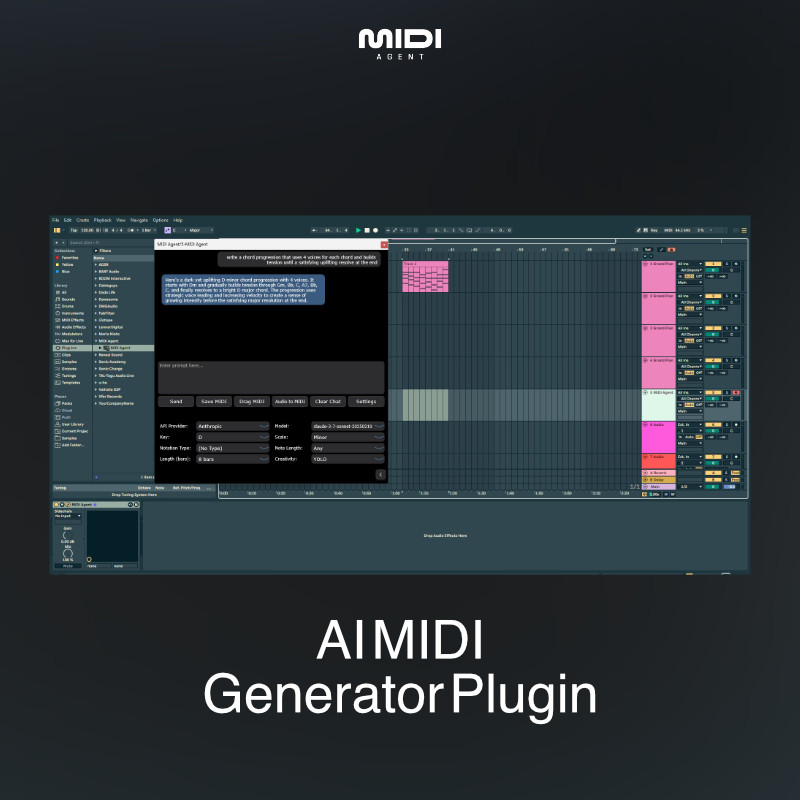
MIDI Agent adds text-to-MIDI, continuation, variation and audio-to-MIDI workflows. It is useful when you can describe the rhythmic or stylistic direction but still want note-level control afterward. Keep prompts specific about tempo, range and density, then simplify the result for a singer.
View MIDI Agent
When a recorded guide vocal is the better starting point
If you can sing or direct a vocalist—even with an imperfect tone—conversion may preserve intention faster than programming every note. Record a dry, clean guide with clear lyrics and controlled room noise. Tune only obvious errors before conversion; excessive correction can flatten the timing and pitch cues the model needs.
SoundID VoiceAI: a broad model library and layered voices
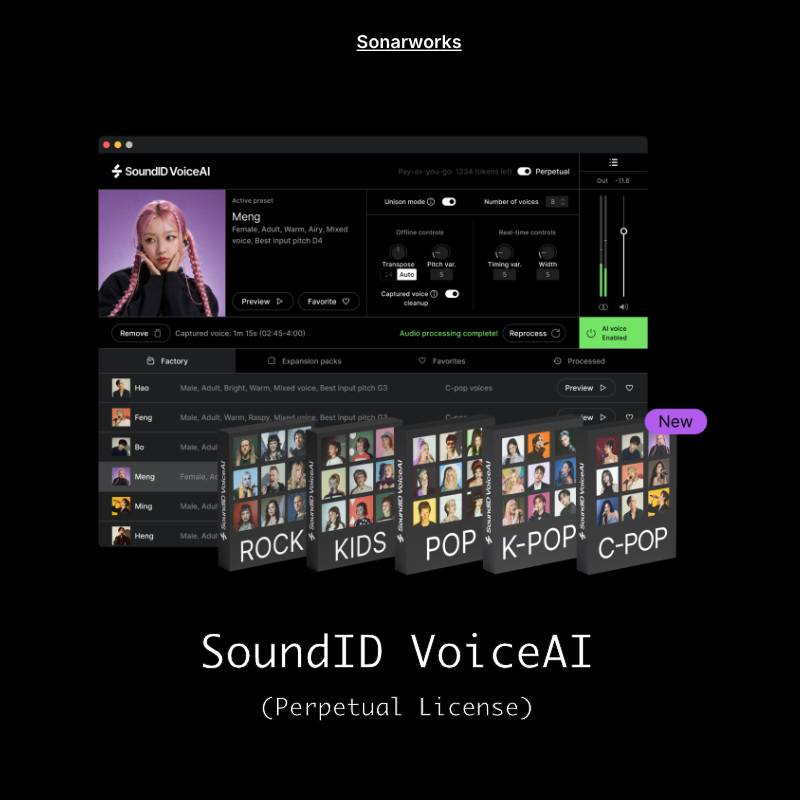
SoundID VoiceAI transforms a source performance through more than 100 voice and instrument models, with local and cloud processing options and up to eight Unison layers. It is a conversion tool: your guide supplies the melody, lyric, rhythm and expression.
View SoundID VoiceAI
Antares Metamorph: local voice transformation
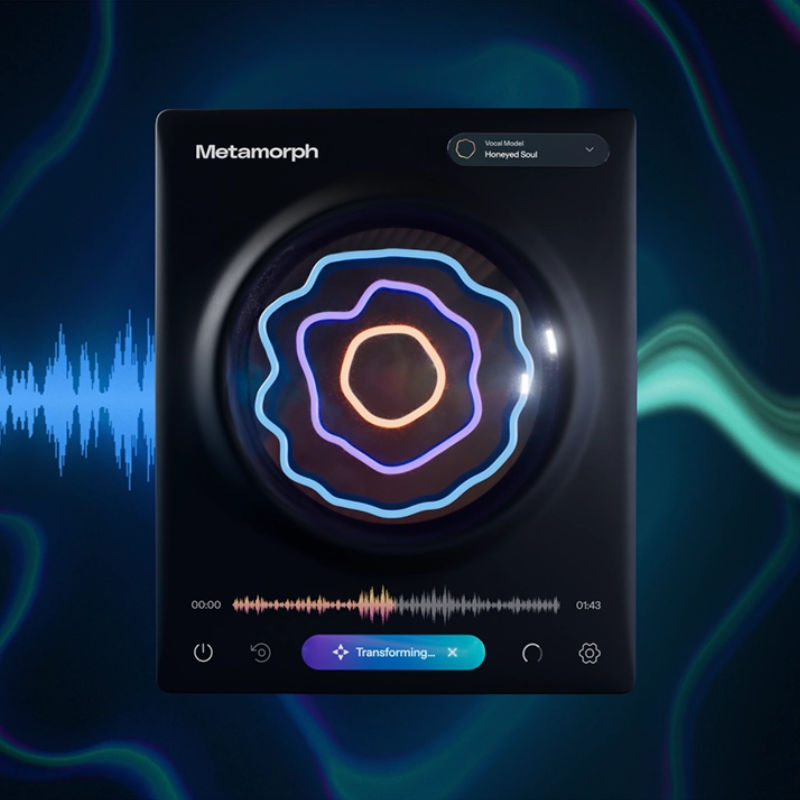
Antares Metamorph focuses on voice conversion with local, offline processing, licensed voice models, RVC model import, range matching and a drag-and-drop timeline. It suits sessions where keeping source audio on the machine and iterating directly on a performed phrase are priorities.
View Antares Metamorph
How to make AI vocals sound finished
Comp before processing
Choose the most believable phrase from alternate renders. Repair timing and pronunciation at the source instead of hiding every issue under effects. Small manual crossfades between versions can outperform one globally processed take.
Add controlled imperfection
Vary double timing, consonant length and phrase levels. Do not randomize everything: human performances repeat stable habits while changing emphasis at meaningful moments. Keep the lead focused and move more variation into doubles and harmonies.
Use a normal vocal chain
Start with clip gain, corrective EQ, de-essing and moderate compression. Add saturation or parallel compression for density, then choose ambience that belongs to the song. A short room can glue a synthetic performance into the production; a timed delay may hide less detail than a long wash of reverb.
Frequently asked questions
Can AI sing lyrics from MIDI?
Yes. A singing-synthesis tool can map typed lyrics to MIDI notes and generate a vocal performance. You still need to edit syllables, timing, range and expression for a natural result.
Do I need to sing first?
Not for MIDI-and-lyrics synthesis. You do need a recorded guide for voice-conversion tools, because they transform the performance you supply rather than inventing the melody and phrasing.
Can I use AI vocals commercially?
Commercial permission depends on the product, voice model and license in effect when you release the music. Check current terms, avoid unauthorized celebrity imitation, and retain records of the voice and license used.
Why do AI vocals mispronounce some words?
Pronunciation depends on the selected language model, lyric-to-syllable mapping and note timing. Split the word correctly, adjust phonemes where supported, and give consonants enough space before sustained vowels.
Should I render the vocal dry?
Yes. Archive a dry render and print doubles and harmonies separately. You can then process the vocal like any other recording and revise the production without regenerating the performance.
The post How to Make AI Vocals From MIDI and Lyrics appeared first on Producer Sources.