Quick answer: The headline FL Studio 2026 features are a rebuilt FLEX (up to 50% less CPU), a Gopher AI assistant that can actually perform tasks in your project, the new Transmitter transient/sustain splitter, Luxeverb, FL Cloud project backup and an Audio Logger that catches ideas you didn’t record. It’s a free update for existing users — and worth installing today.
Producersources sells some of the plugins mentioned below, including our own. Placement is based on how each tool performs, not on what we sell — see our full disclosure at the end.
FL Studio 2026 is a bigger release than the version number suggests. Image-Line rebuilt one of its most-used instruments from scratch, pushed its AI assistant from novelty to genuinely useful, and added several tools that quietly remove friction from a normal session.
This is a plain-English rundown of every meaningful FL Studio 2026 feature, what it actually does, and an honest take on which ones will change how you make beats — and which are nice but skippable. If you’re new to the DAW, you can browse everything for FL Studio here.
Rebuilt FLEX
FLEX — FL Studio’s most popular built-in synth — was rebuilt from the ground up, and it’s the standout change. Three things matter:
- A new browser. Presets and packs are far faster to explore and audition. If you’ve ever lost twenty minutes scrolling for a sound, this alone is worth the update.
- Streamlined controls. The interface now focuses on the parameters that actually shape a sound, instead of burying you in options you never touch.
- Up to 50% less CPU. The rebuilt synthesis engine is dramatically more efficient, so you can stack multiple FLEX instances — layering a low body with a bright top — without your project stuttering.
That last point changes workflow more than it sounds. Layering was always the way to make FLEX sound original; now it’s cheap enough to do freely. We’ve written a full FL Studio FLEX tutorial on getting the most from it.
Verdict: the biggest day-to-day win in the release.
Gopher AI assistant (expanded)
Gopher, FL Studio’s built-in assistant, grew from a curiosity into something you’ll actually use. It now performs practical tasks inside your project through plain-language commands: organising tracks, setting mixer levels, routing audio, and even generating Piano Roll and visual FX scripts.
The honest framing: it won’t write your song. What it does is delete the boring parts of a session — naming and colouring 40 channels, setting up routing, building a send. That’s the housekeeping that eats creative time, and handing it to an assistant is a real gain.
Verdict: genuinely useful for workflow; ignore the AI hype and treat it as an assistant.
Transmitter
Transmitter splits any signal into its transient and sustain components and routes each to its own mixer track. That sounds technical; in practice it’s a gift for beatmakers.
The hit of a drum and the tail of it deserve different treatment. With Transmitter you can compress the sustain without crushing the attack, distort the transient for bite while keeping the tail clean, or drench a tail in reverb without smearing the hit. It works on drums, plucks, guitars — anything percussive.
Verdict: a genuinely new tool, not a rehash. Worth learning.
Luxeverb
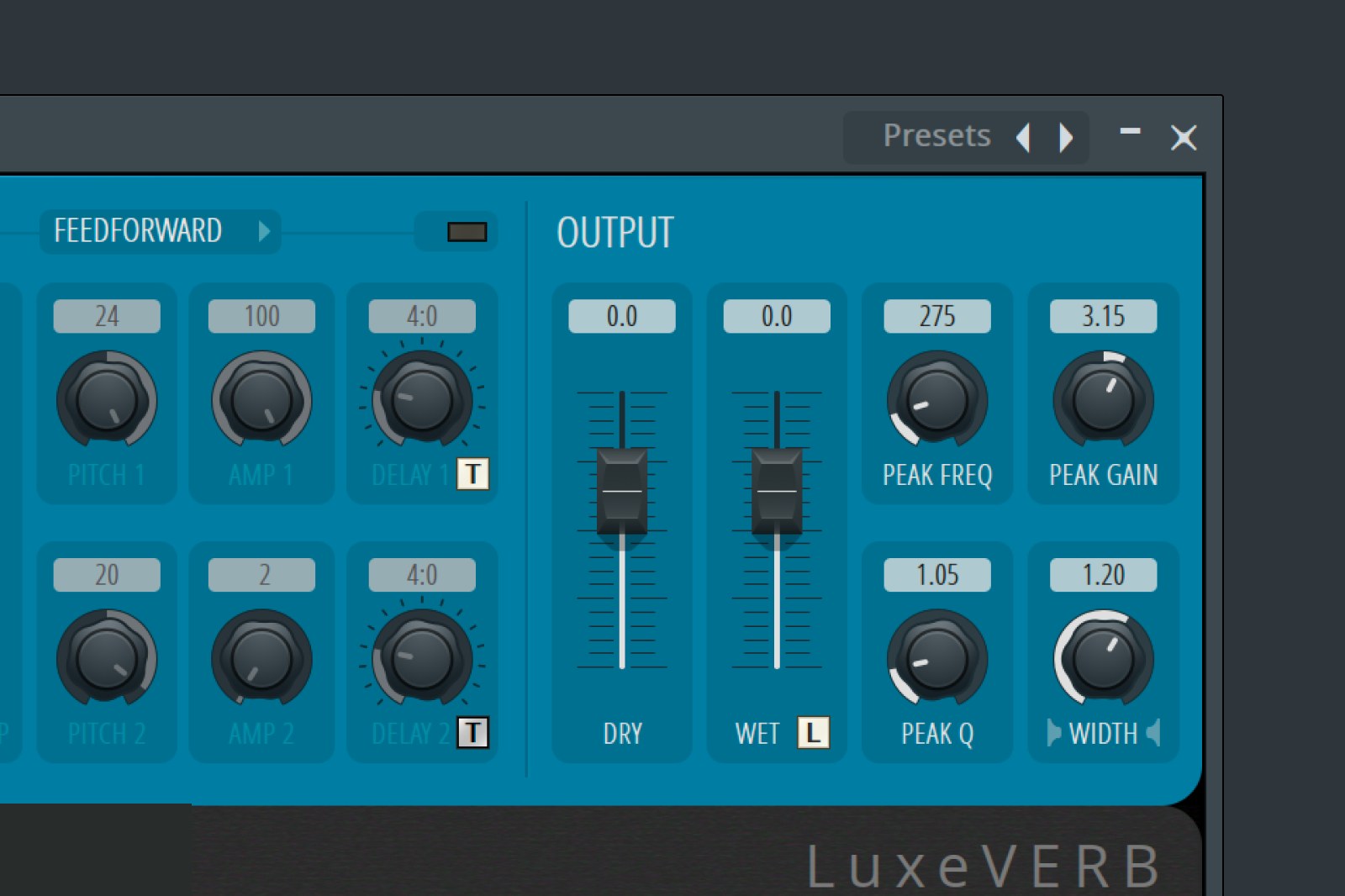
FL Studio 2026 adds Luxeverb, a new high-quality reverb. Stock reverbs have historically been the weakest part of many DAWs, so a serious built-in option is welcome — especially for producers who haven’t invested in a dedicated reverb yet.
Verdict: a solid upgrade to the stock toolkit.
FL Cloud project backup
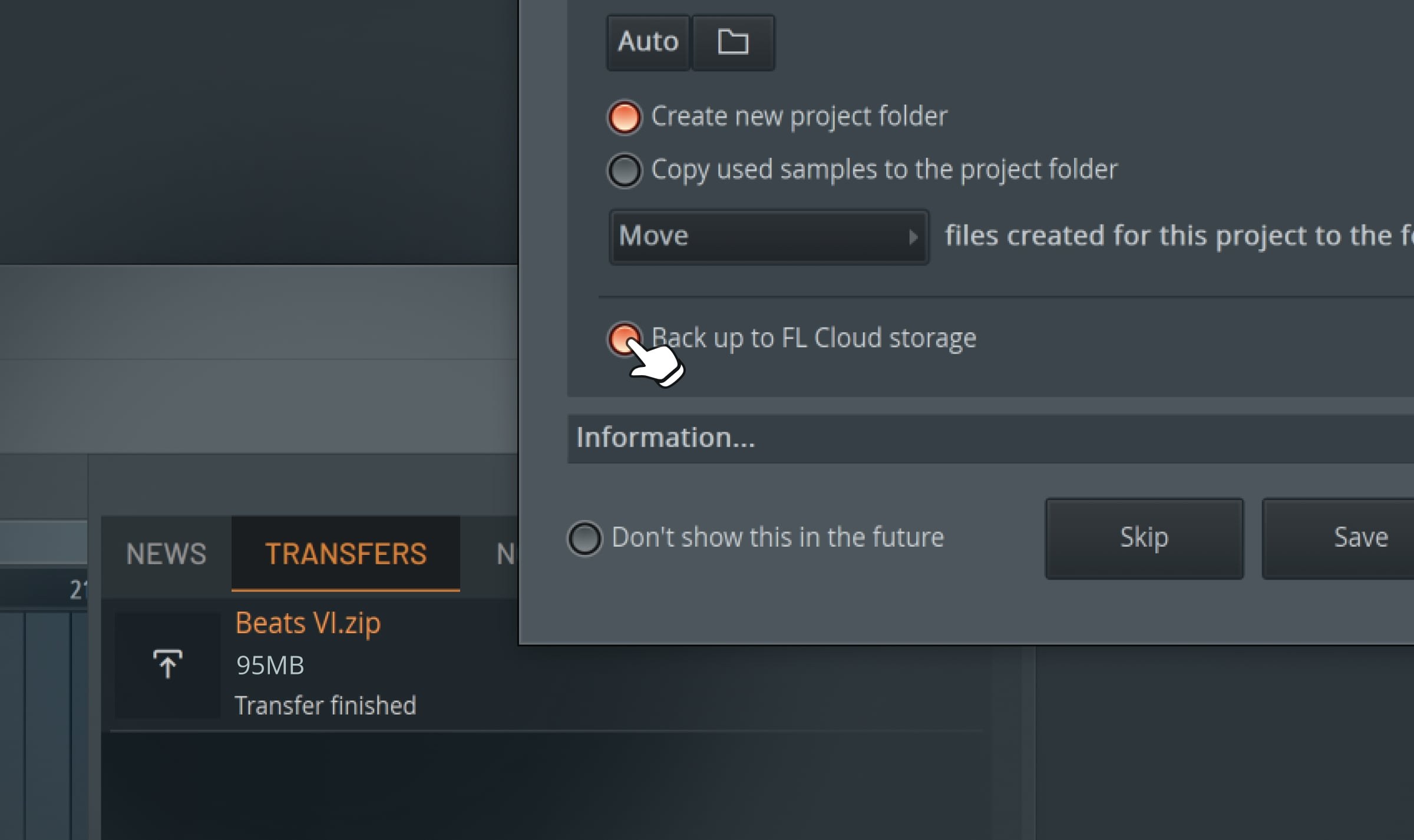
You can now save projects to FL Cloud directly inside FL Studio. You get 500MB free, with paid tiers up to 1TB. If you move between machines — or a drive dies mid-project — your work is already safe.
It’s unglamorous, but every producer has lost a project at least once. Turn it on and forget about it.
Verdict: quiet insurance; enable it on day one.
Audio Logger
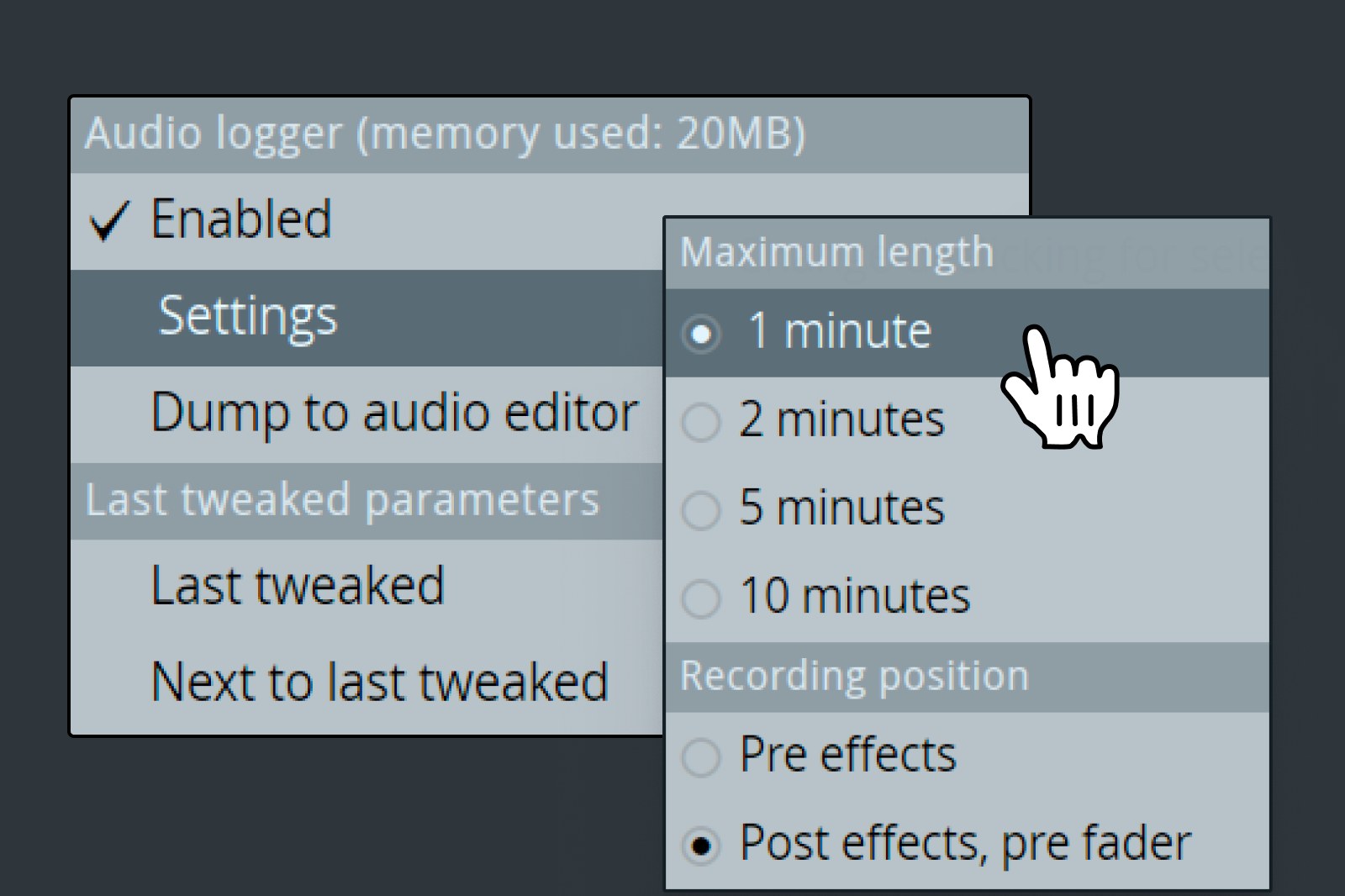
The Audio Logger continuously captures the last 60 seconds of master output. The scenario it solves is universal: you’re jamming, not recording, you play something great — and it’s gone. Now it isn’t. You pull it back from the logger.
Verdict: small feature, occasionally a session-saver.
Piano Roll upgrades
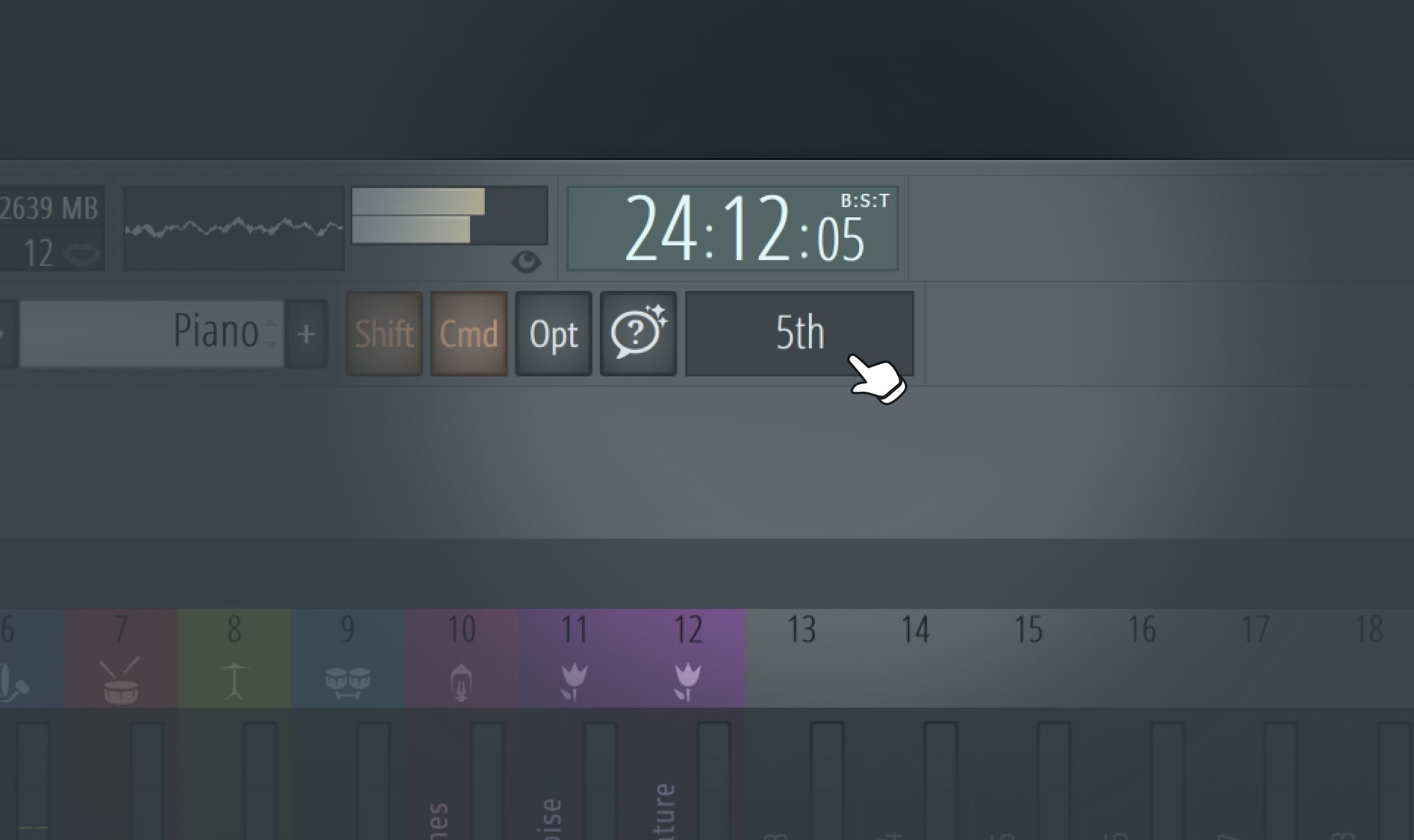
Two additions worth knowing:
- Chord panel suggestions — it proposes chords and notes that stay in your project’s key. For producers who aren’t strong on theory, this is a fast way to find progressions that work.
- Named notes — label notes in the roll for custom visual cues, useful on complex arrangements or drum patterns.
Verdict: the chord panel is a real help if theory isn’t your strength.
Remix a Song
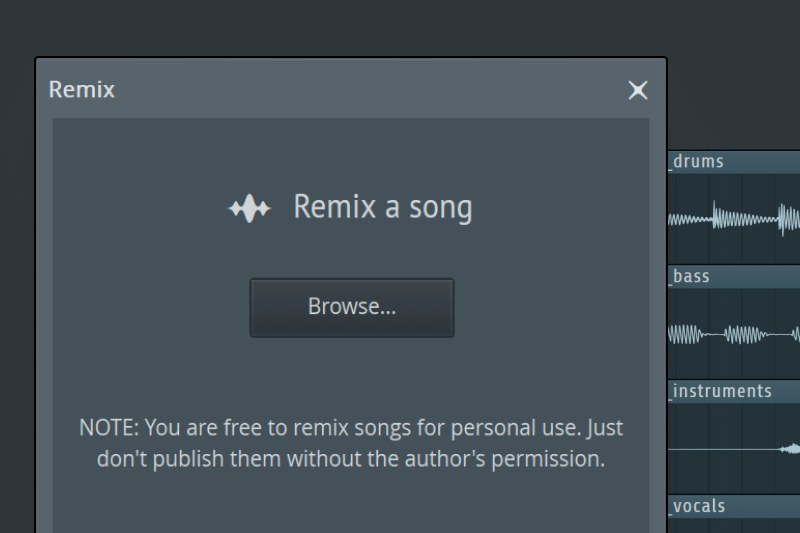
A new Remix a Song tool auto-detects tempo and performs stem separation, splitting a track into its parts. Stem separation used to mean a third-party service; having it in the DAW makes remixing and flipping dramatically less tedious.
Verdict: excellent if you remix or flip samples; niche if you don’t.
Which features actually matter?
Not everything in a release deserves your attention. Ranked honestly:
- Rebuilt FLEX — faster browsing, half the CPU. Affects every session.
- Gopher assistant — removes real busywork.
- Transmitter — a genuinely new processing tool for drums and plucks.
- FL Cloud + Audio Logger — quiet insurance you’ll be glad of once.
- Remix a Song — huge if you flip samples.
- Luxeverb + Piano Roll — nice quality-of-life upgrades.
What FL Studio 2026 doesn’t fix
An honest release round-up should say what didn’t change. FL Studio’s long-standing rough edges are still here: audio recording and comping remain weaker than Pro Tools or Logic, and if you track live instruments regularly you’ll still feel that. The mixer, while powerful, keeps its idiosyncratic routing that newcomers find confusing. And the interface — beloved by people who grew up in it — is still dense and unusual compared to Ableton’s clarity.
None of that is a reason to skip a free update. But if you were hoping 2026 turned FL Studio into a recording-first DAW, it didn’t. It doubled down on what it’s always been best at: fast, pattern-based production and beatmaking.
How to update safely
It’s a free update, but a couple of minutes of care avoids a bad session:
- Finish anything on deadline first. Never update mid-project the night before a delivery.
- Back up your projects — or turn on FL Cloud and let it handle backups going forward.
- Check your critical third-party plugins. Most work fine, but if your workflow depends on a specific VST, confirm compatibility before you rely on 2026 in a live session.
- Install and open an old project. Make sure it loads and sounds right before you commit.
- Keep the previous version available until you’re confident.
FL Studio’s lifetime free updates mean there’s no cost to waiting a week either, if you’re cautious.
Should you update?
Yes — for almost everyone. It’s free for existing users, it’s meaningfully faster thanks to the FLEX rebuild, and the new tools (Transmitter especially) add real capability rather than cosmetic changes.
- Beatmakers and producers: update now. FLEX alone changes your day-to-day.
- Remixers and flippers: update now — Remix a Song’s stem separation is a genuine time-saver.
- Anyone mid-deadline: finish the project, then update.
- Live-recording-heavy users: update anyway (it’s free), but this release isn’t aimed at you.
Get more from FL Studio 2026
New features are only as good as the sounds you feed them. Speed up your workflow with ready starting points like our FL Studio Ultimate Mixing Presets, and layer the rebuilt FLEX with award-level sounds from the VSTs TOP 10 pack.
FAQ
Is FL Studio 2026 a free update? Yes — FL Studio 2026 is a free update for all existing FL Studio users, in line with Image-Line’s lifetime free updates policy.
What is the biggest new feature in FL Studio 2026? The rebuilt FLEX synth — a new preset browser, streamlined controls and up to 50% less CPU — plus the expanded Gopher AI assistant.
What does the Transmitter plugin do? It splits a signal into transient and sustain parts and routes each to its own mixer track, so you can process the hit and the tail of a sound separately.
Can FL Studio 2026 separate stems? Yes — the new Remix a Song tool auto-detects tempo and performs stem separation inside the DAW.
Should I update to FL Studio 2026? Yes for almost everyone: it’s free, faster, and adds genuinely useful tools. Just finish any deadline project first and check third-party plugin compatibility.
The post FL Studio 2026: New Features & What’s Actually Worth It appeared first on Producer Sources.